That’s a really good question as I was also curious about it since we only hear about Asahi on the M Macs.
I don’t know what you can run on the Snapdragons Linux wise…


That’s a really good question as I was also curious about it since we only hear about Asahi on the M Macs.
I don’t know what you can run on the Snapdragons Linux wise…


It always surprised me but I never bothered asking why.
Thanks for doing it and thanks to people providing an explanation.
Agreed. When you download, you don’t really know what you’re getting. Also you don’t get consistency between all of your movies. That’s the difference when you rip your own stuff.
With the bluray drive, there isn’t much choice on the used market in Switzerland so I’m just trying to go with a good brand and check reviews if I find some.
In my country, used i7 or i5 are around the same price, but I can’t find an i5 with 16gb of ram to future proof it and make it useable for something else than a media center if I want to recycle it in the future.
Still I hope the i7 isn’t consuming too much or producing too much heat.
Can your project be downloaded and used or is it just something you’re working on for yourself for now?
Thanks for your answer! I only realized now that since it’s gonna be near my router, an Ethernet cable can do the job in case RPM Fusion and installling the Broadcom drivers isn’t enough.
Just put an offer on an auction site for a MacMini with 16Gb of Ram, an i7 and a 265gb SSD. We’ll see if I get it for less than 100.-🤞
What kind of technical hurdles do you mean? Apparently makeMKV makes it quite easy but I’d be happy to have feedback
I read your article and it was interesting.
I didn’t know the RAM on the 2014 MacMinis wasn’t upgradeable. Thanks for letting me know.
Also what did you mean by don’t bother with the hotter i7 version as I saw a lot of them for quite cheap? Are they bad or just too powerful for what I’d do?
As for the Broadcom module, I’ve done it on my 2012 upgraded MacBook Pro and it was easy in Fedora. Don’t know about other distros though…
The external Bluray poayer is a necessary for me as I really want to make copies of my own movies.
Some of them could also be difficult to find on torrent sites and a Blu ray player can also be useful to backup my videogames at one point.
In my country, it is legal to make copies of something you own. Even downloading movies is legal to make, but it ain’t what I want 😇
From what I’m seeing, you can’t really get these in Switzerland sadly. The second hand market consists mostly of MacMinis, HP EliteDesk 800 G3/5, Intel NUC stuff…
I have to admit that I don’t know if any of these are good except the MacMinis (because Apple) and HP EliteDesk (because we used them at work for years).
Could you give me an example of an n100 for Ryzen5 minipc? The power consumption wouldn’t be such a big problem as I’m never letting computer run when they are not in use, so it would only be on when we watch or listen to something.
Still the lower the power consumption, the better if it’s at an acceptable price and the thing can be upgraded/repaired if needed.
As long as it doesn’t use more energy than my current media center (a Playstation 5), I’m fine with it.
I don’t know about Cinamon as I’ve never used it, but I would never recommand KDE Plasma to a beginner.
It’s way too messy even if it’s really customizable.
Gnome is great, but I also think it’s too different from Windows for a beginner.
We need to keep old hardware alive and avoid e-waste when possible. What is your computer?
My wife’s upgraded 2012 MacBook Pro is nicknamed the beast as it’s so snappy running Fedora Workstation.


To be honest, I’m not really looking for a solution anymore as I gave up on Cosmic and just decided to use more extensions in Gnome instead.
The thing is, these problems show me that Linux can still be difficult to use if you don’t have hardware perfectly suited to it.
Even when you think that you now know enough about how to solve problems, all your previous solutions can be useless😅


Nah just to be clear, I tried to dual boot Fedora Cosmic Atomic and later Fedora Cosmic with Fedora Workstation.
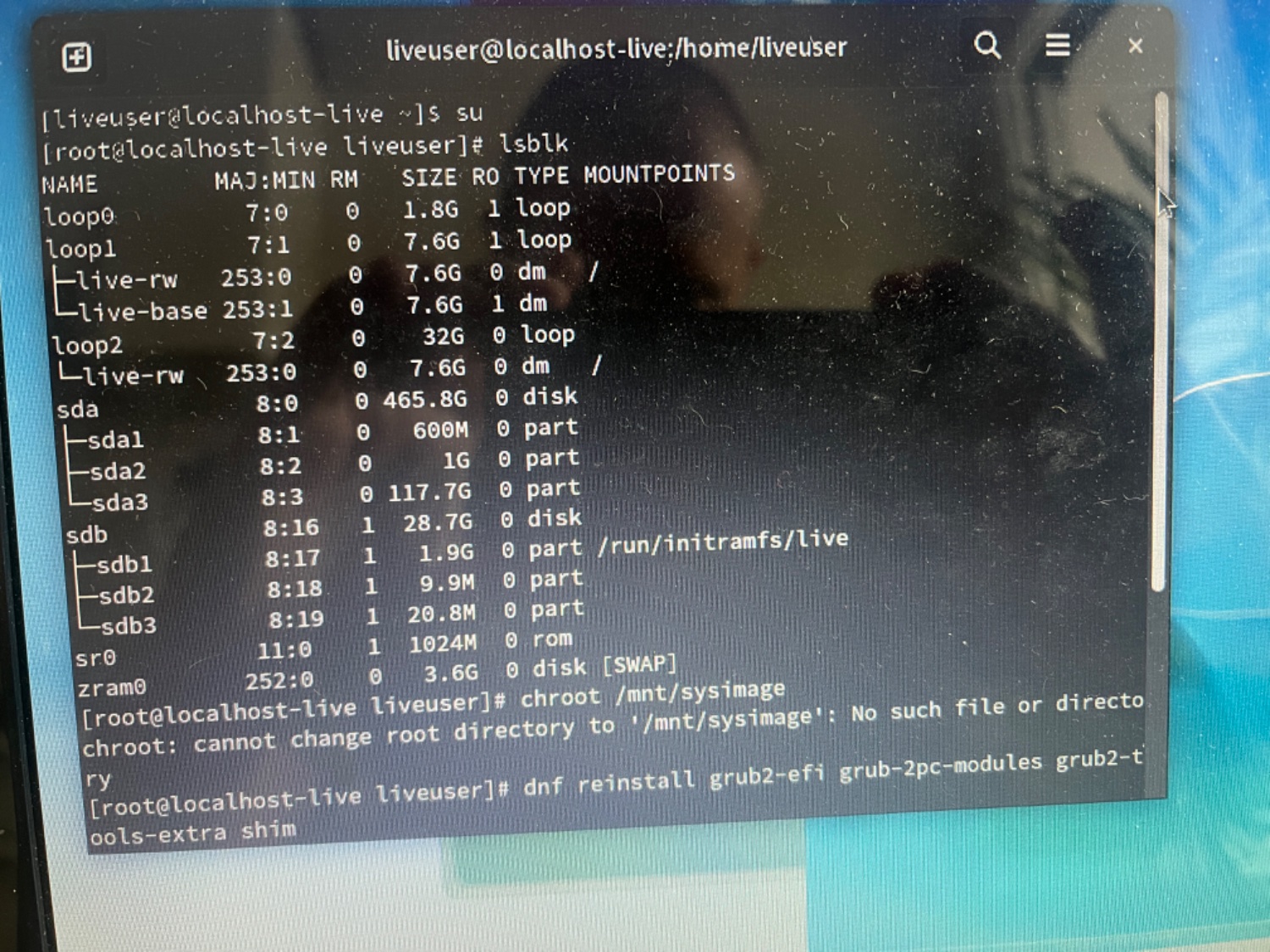
Grub wasn’t seeing my Fedora Workstation install anymore, so I don’t think the Gnome network manager comes into account.
But I might be way out of my league as there is so much I don’t understand.


While I agree that they aren’t likely to be on Lemmy, even outside of Lemmy, I’ve never met one of them.
I just know people who don’t know there is something else.
Still it’s good for me to have to use (a debloated version) Windows at work, as it allows me to still know how to deal with it.


I guess I’m not techie enough to meet these people as I’m just talking to windows end users.


I guess because no one is passionate about it. It’s just something people are using because it came with their computer.
Here people are almost only talking badly about it. It’s not a good product but I wonder if it’s as bad as people on Lemmy make it sound.
Still I don’t want to waste time away from Linux to discover it by myself.
I’ve been using OnlyOffice for years and was quite happy with.
I’m thinking about switching to LibreOffice. Anyone knows if LibreOffice would be able to connect to kDrive? Maybe through WebDav?